Printable wedding table numbers
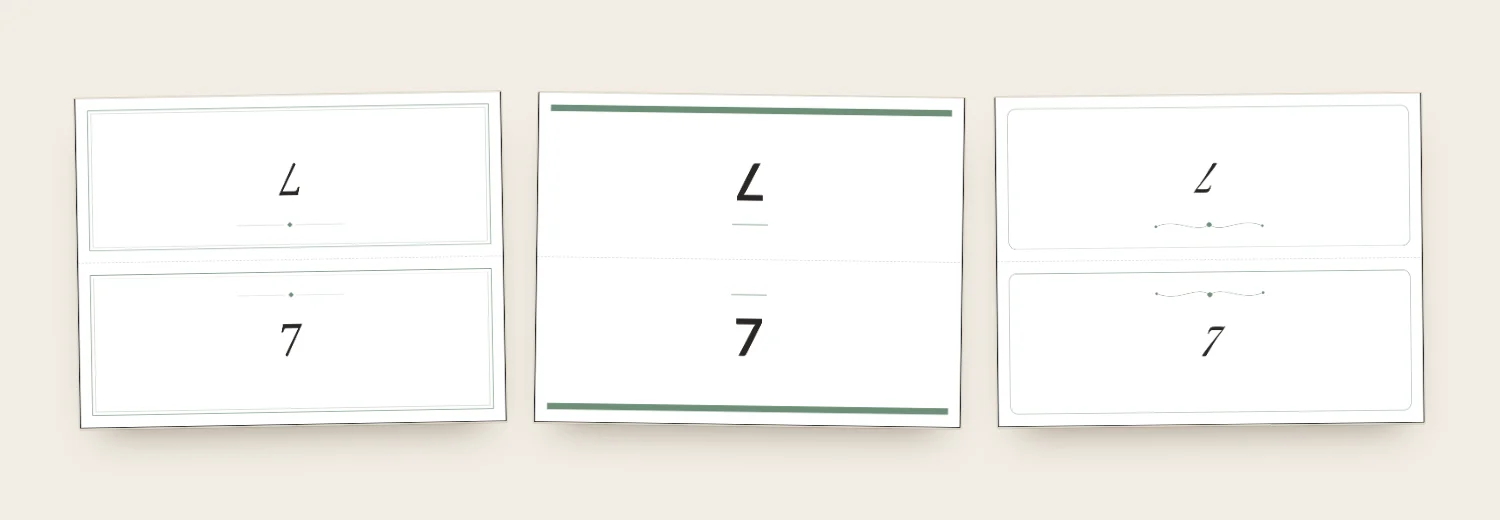
Table numbers help guests find their table across a room. Seating Solver prints them from your plan: one folded card per table, with the number or name on both sides.
How to make table numbers
- Set up your tables in the room plan.
- Rename tables if you like, for example “Paris” or “Oak”.
- Open the print view and choose table numbers.
- Print, cut and fold.
Table number ideas
Numbers are simple. Names are memorable and start conversation.
- Places you have traveled together.
- Flowers or herbs from your bouquet or the venue garden.
- Songs, books or movies you both love.
- Streets you have lived on.
- Dates that matter to you.
Keep names short so they fit on the card.
Where to put them
Stand one on every table, at about eye level when seated. Stand a larger sign at the entrance. See the seating chart sign.
Table numbers and your seating chart
When you rename a table, the new name appears on the numbers, the poster and the place cards. Make the place cards too.
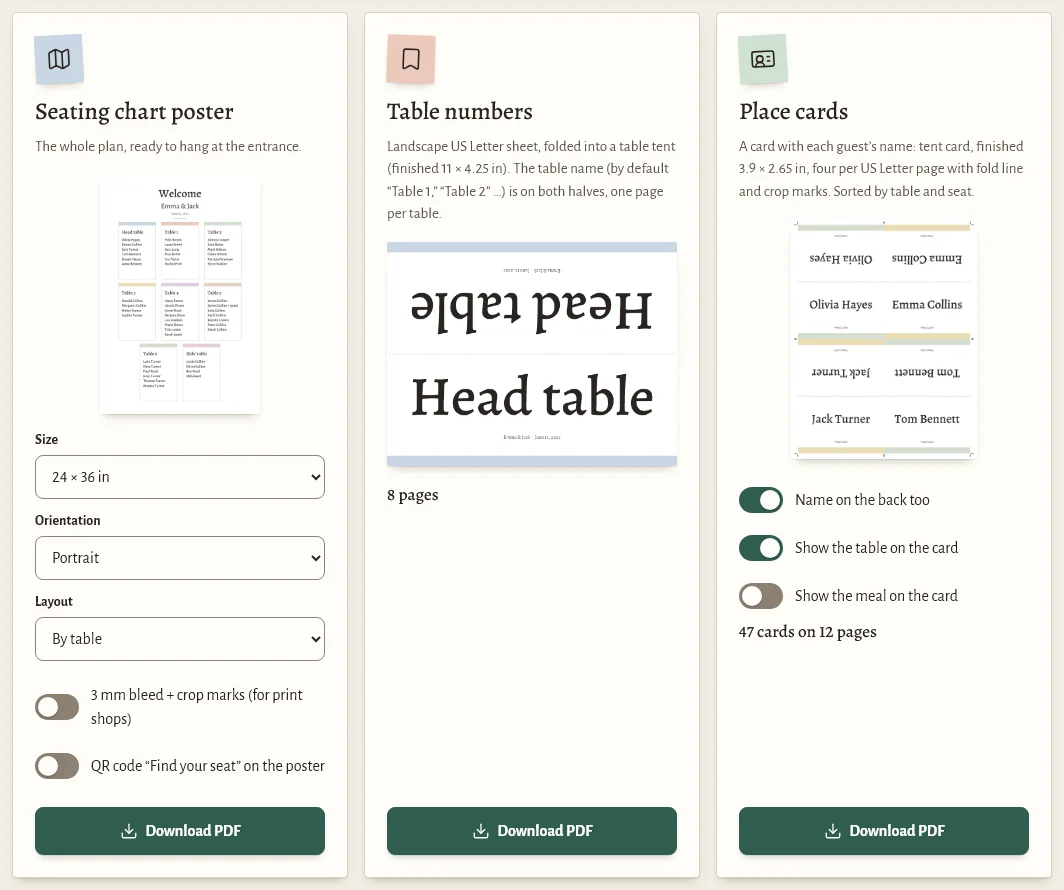
Table number questions
How do I make printable table numbers?
Set up your tables in Seating Solver and choose table numbers in the print view. You get a PDF with one folded card per table. Print it, cut and fold.
Can I use table names instead of numbers?
Yes. Rename any table, and the name prints on the card.
Are the table numbers free?
Yes. Seating Solver is free to use right now, including printing.
What paper should I use?
Card stock. Choose US Letter or A4 to match your printer.
Numbers that match everything else
Set up your tables once, then print numbers, place cards and the poster.